Contents
Cleaner Interface
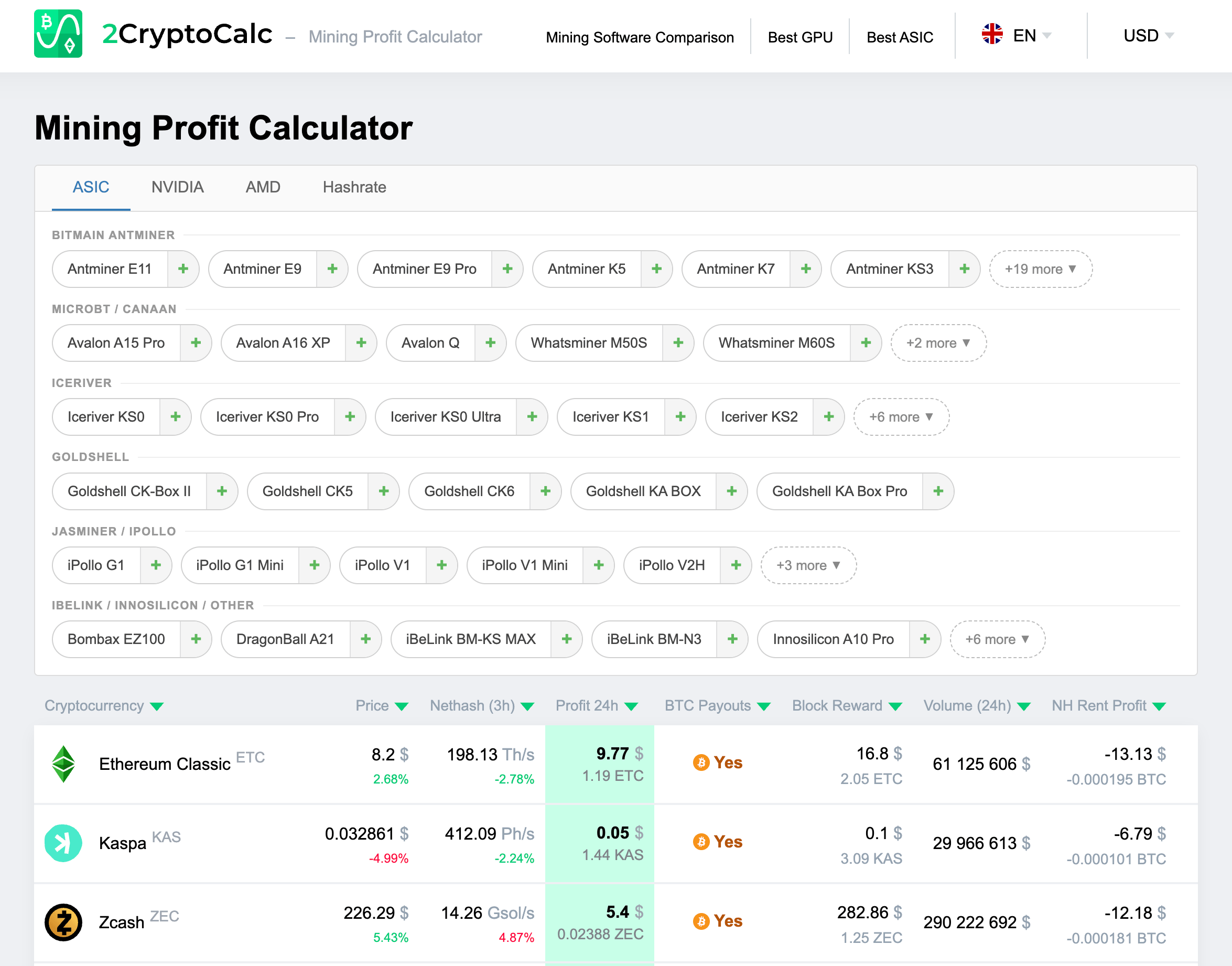
The calculator has been rebuilt from the ground up with a simplified layout. The main page now organizes miners by manufacturer and algorithm, making it faster to find and compare devices. Hardware is grouped under four tabs: ASIC, NVIDIA, AMD, and Hashrate. You can add multiple devices, set quantities, and see profitability across all supported coins in one view.
SHA-256 Added: Bitcoin and Bitcoin Cash
The most significant addition is full SHA-256 support. 2CryptoCalc now covers Bitcoin (BTC) and Bitcoin Cash (BCH) alongside the existing lineup of ETC, KAS, ZEC, CKB, RVN, and GRIN. Both coins appear in the profitability table with real-time price, network hashrate, block reward, and 24-hour profit estimates.
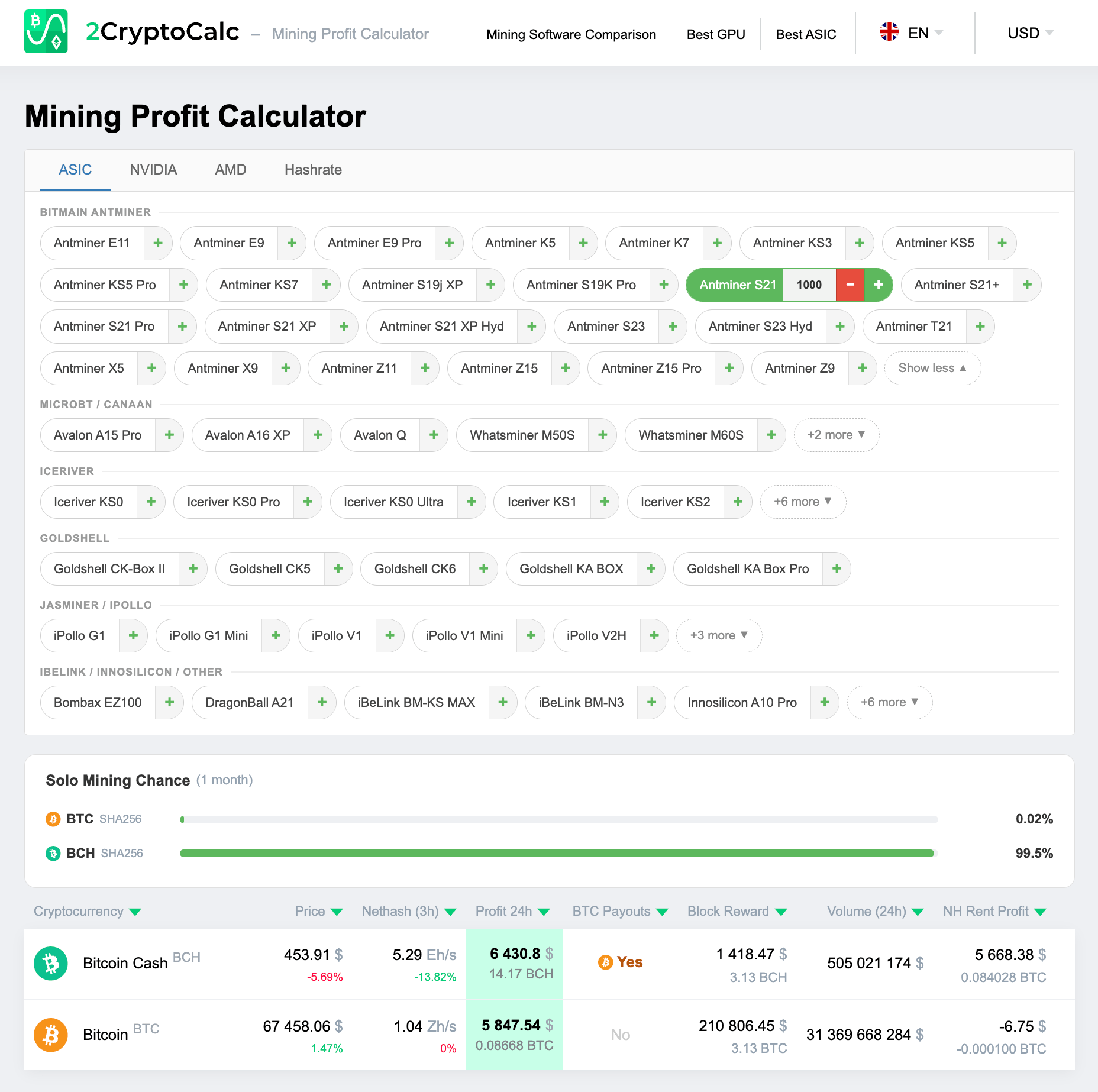
The Hashrate tab lets you enter any SHA-256 hashrate directly to calculate expected earnings. Select 1,000 Antminer S21 units (SHA-256, 200 TH/s each) and the calculator instantly shows combined output across BCH and BTC pools, including solo mining probability for the selected period.
New ASIC Devices
The SHA-256 miner database now includes the full Bitmain Antminer S19 and S21 family: S19j XP, S19K Pro, S21, S21+, S21 Pro, S21 XP, S21 XP Hyd, S23, S23 Hyd, and T21. Each model includes its SHA-256 hashrate, power consumption, and profitability across BTC and BCH.
Non-SHA-256 device coverage has also expanded. New entries include additional IceRiver KAS miners, Goldshell models for CKB, and several iBeLink and Innosilicon units for Equihash. The full list is visible under the ASIC tab on the main calculator page.
Hashrate Calculator
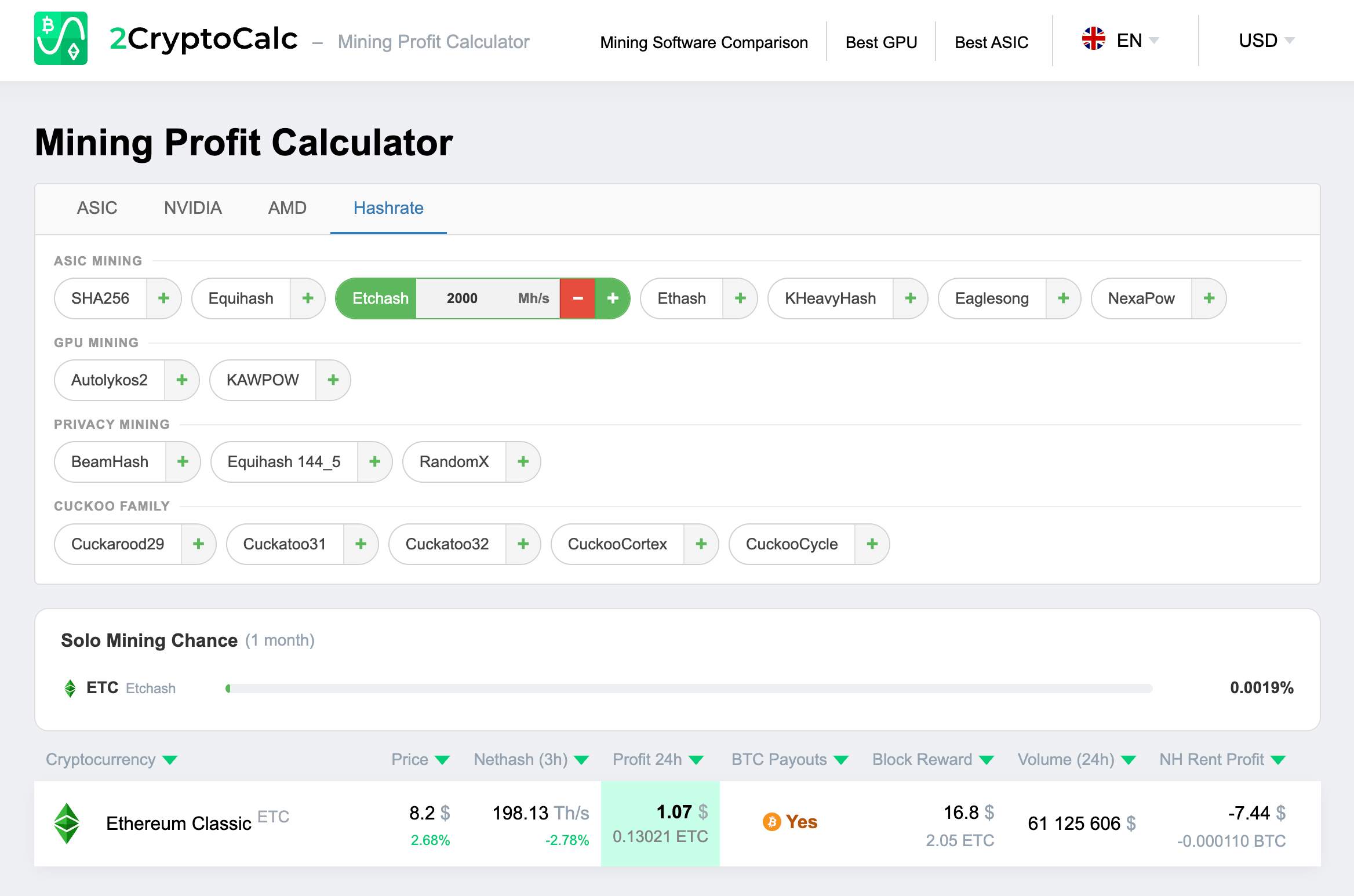
The Hashrate tab works without selecting a specific device. Choose an algorithm, enter your hashrate in the relevant unit, and get the full coin comparison instantly. For example: entering 2,000 Mh/s on Etchash shows current ETC earnings with live network difficulty. The same tab covers SHA-256, Equihash, KHeavyHash (KAS), Eaglesong (CKB), KAWPOW (RVN), and all other supported algorithms.
MCP Server for AI Assistants
2CryptoCalc now provides an MCP (Model Context Protocol) server at https://2cryptocalc.com/mcp-for-ai. This lets AI assistants such as Claude and ChatGPT query live mining data directly, without manual lookups.
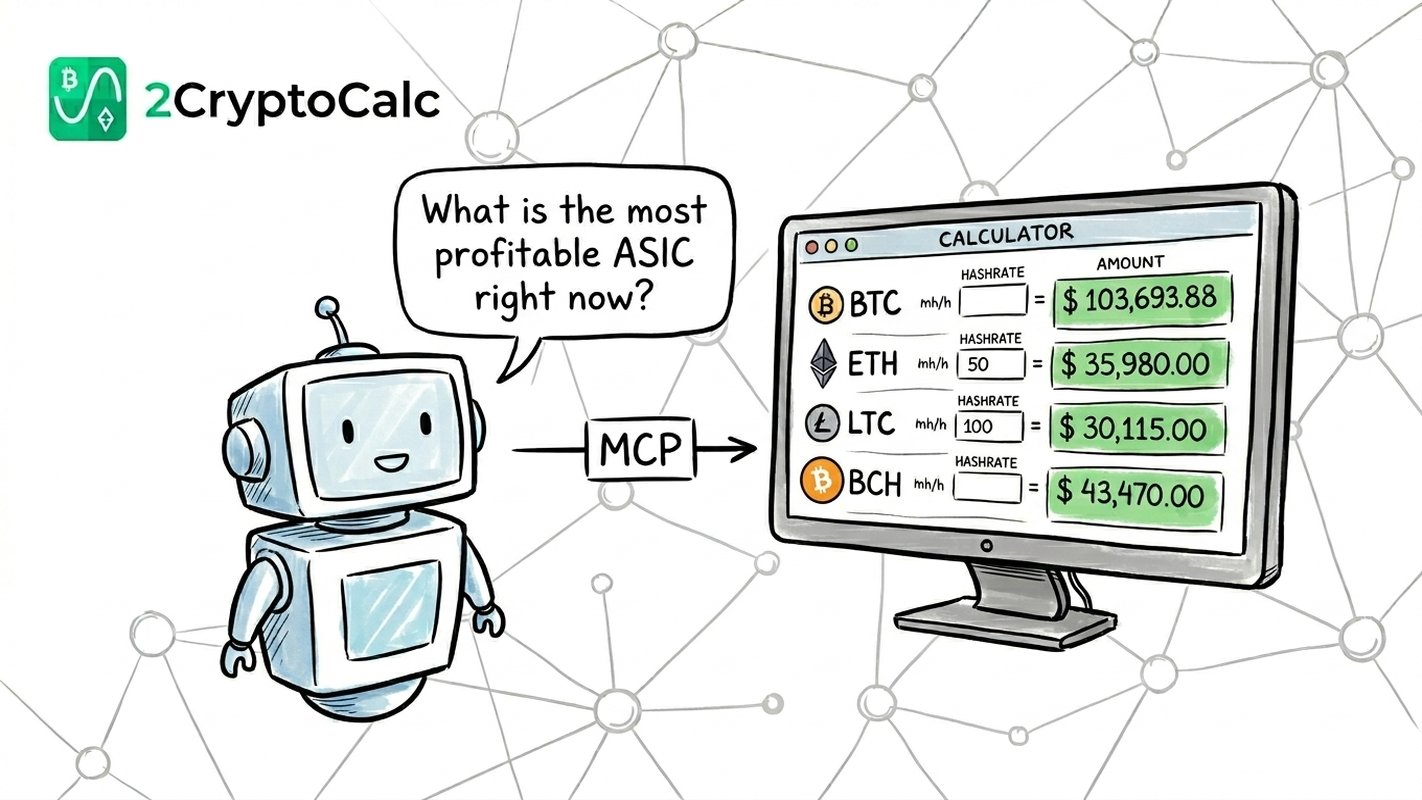
Once connected, an AI assistant can answer questions like “What is the most profitable SHA-256 ASIC right now?”, “How much can I earn mining ETC with an Antminer E9 Pro?”, or “Compare KAS vs ETC profitability for an IceRiver KS3.” Results include direct links to the relevant 2Miners pool pages.
The MCP server exposes seven tools:
- list_asics — all ASIC miners with hashrates, prices, and algorithms
- list_gpus — GPU list with hashrates, VRAM, and supported coins
- list_algorithms — all mining algorithms with default hashrate units
- calculate_asic_profitability — profit calculation for a specific ASIC model and quantity
- calculate_gpu_profitability — profit calculation for GPU models
- calculate_hashrate_profitability — profit by raw hashrate and algorithm
- get_coin_details — price, difficulty, block reward, and estimated earnings for any supported coin
Setup instructions for Claude Code, Claude Desktop, and the Claude API are on the MCP page.
Start Mining
All profitability results on 2CryptoCalc include direct links to the corresponding 2Miners pool. Use the calculator to find your best option, then connect your miner.
- BTC SOLO: 2miners.com/solo-btc-mining-pool
- BCH: 2miners.com/bch-mining-pool
- ETC: 2miners.com/etc-mining-pool
- KAS: 2miners.com/kas-mining-pool
- ZEC: 2miners.com/zec-mining-pool
Stay Updated
Follow us on X (Twitter) and join our Telegram chat to stay informed about new developments, miner alerts, and network upgrades.